Why not just use ChatGPT?
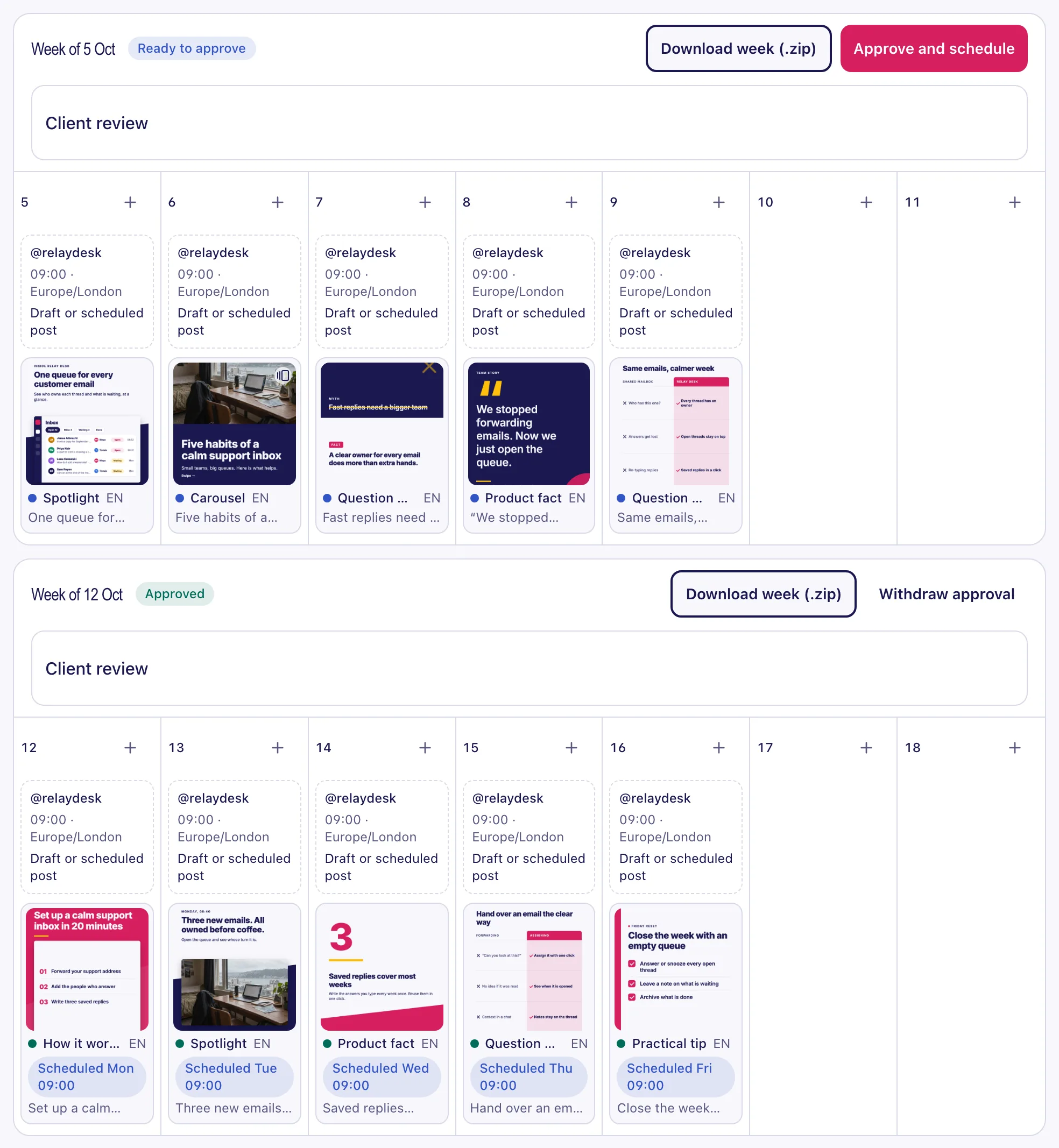
Use both. ChatGPT writes well, and it works with Feedloom: connect it and it can write posts and schedule them in your account. What it cannot do alone: keep your logo, colours and font on every image, resize for each network, and post on time every week without you. Feedloom does that work, and your assistant tells it what to do.
How is this different from Canva?
Canva is for any design. Feedloom is for your regular posts: your logo, colours and font are locked, so every post looks like your brand, and you schedule and publish from the same place. You can still finish an image in Canva.
I already use Buffer. Do I need this?
Feedloom also schedules and publishes to Instagram, Facebook, TikTok, LinkedIn, X and Threads, and has an inbox for comments and messages. If you prefer to keep your scheduler, you can download the images and publish them with it.
Does it post without asking me?
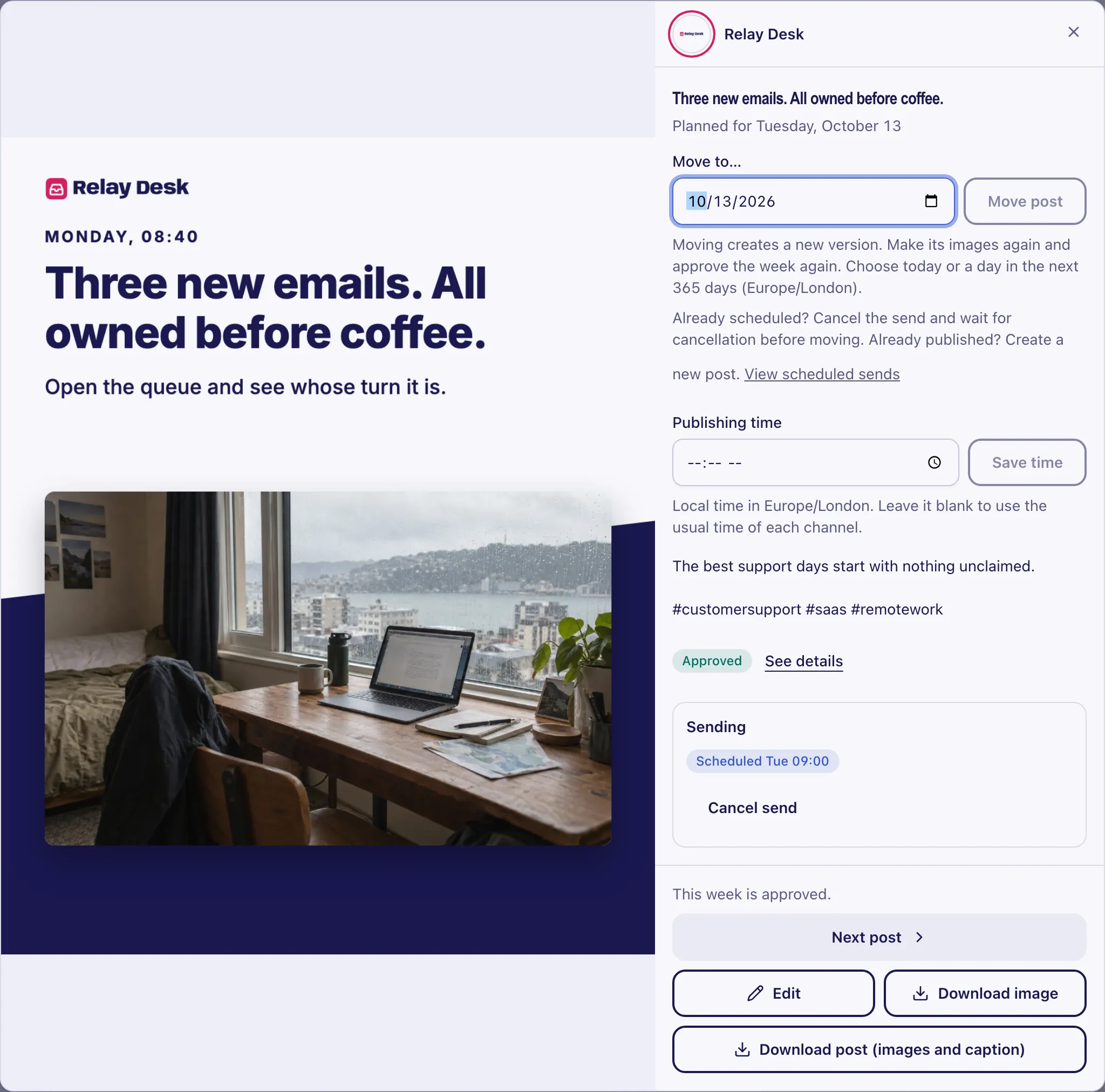
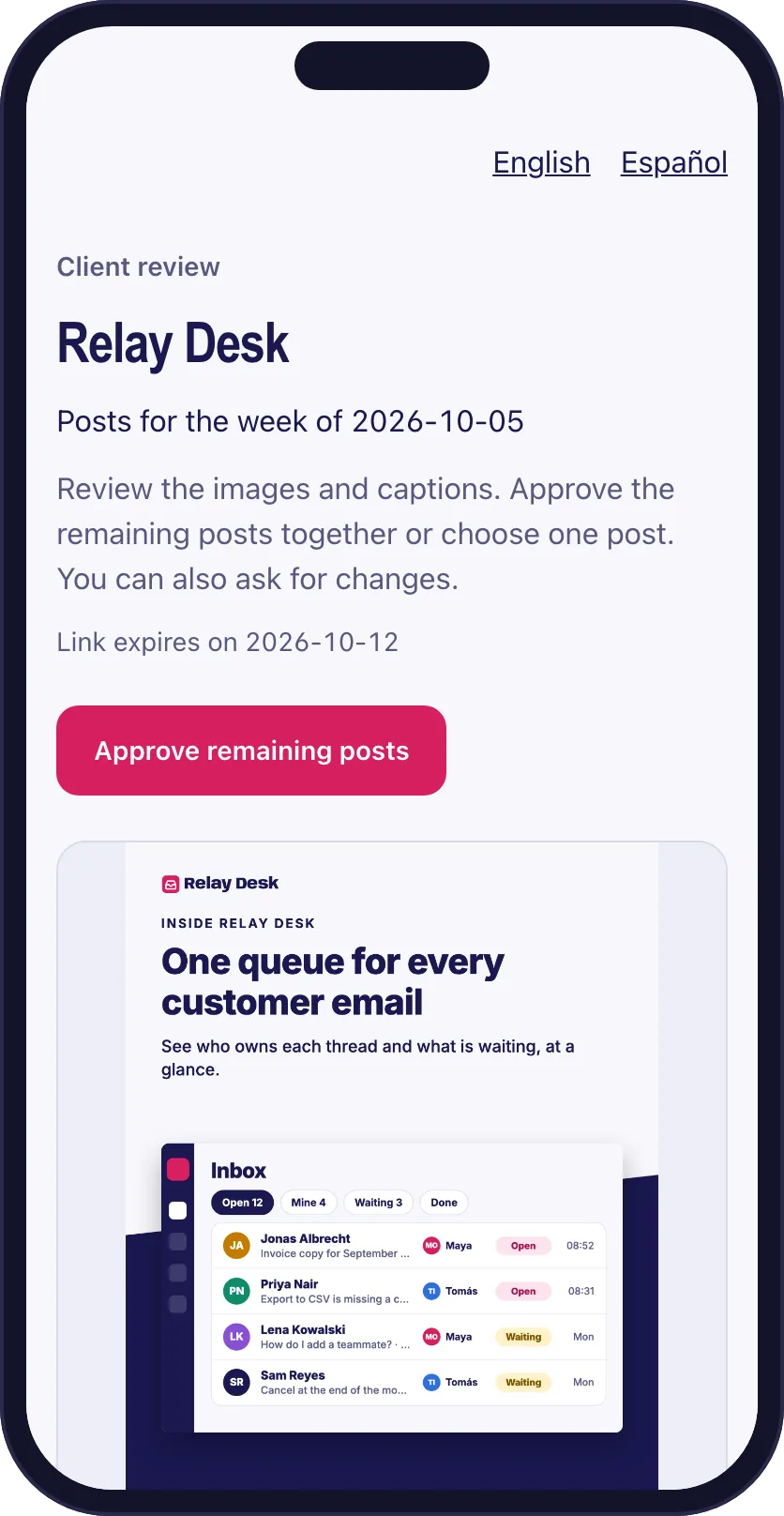
No. A post goes out only when you schedule it. If you connect an AI assistant, it writes posts for you to review, unless you choose to let it schedule them.
Who writes my posts?
You choose: your own AI (ChatGPT or Claude) once you connect it, our writing assistant when you ask it for a post, or you in the editor. Feedloom never writes on its own. Always check names, prices and facts before you schedule.
Can I use my own templates?
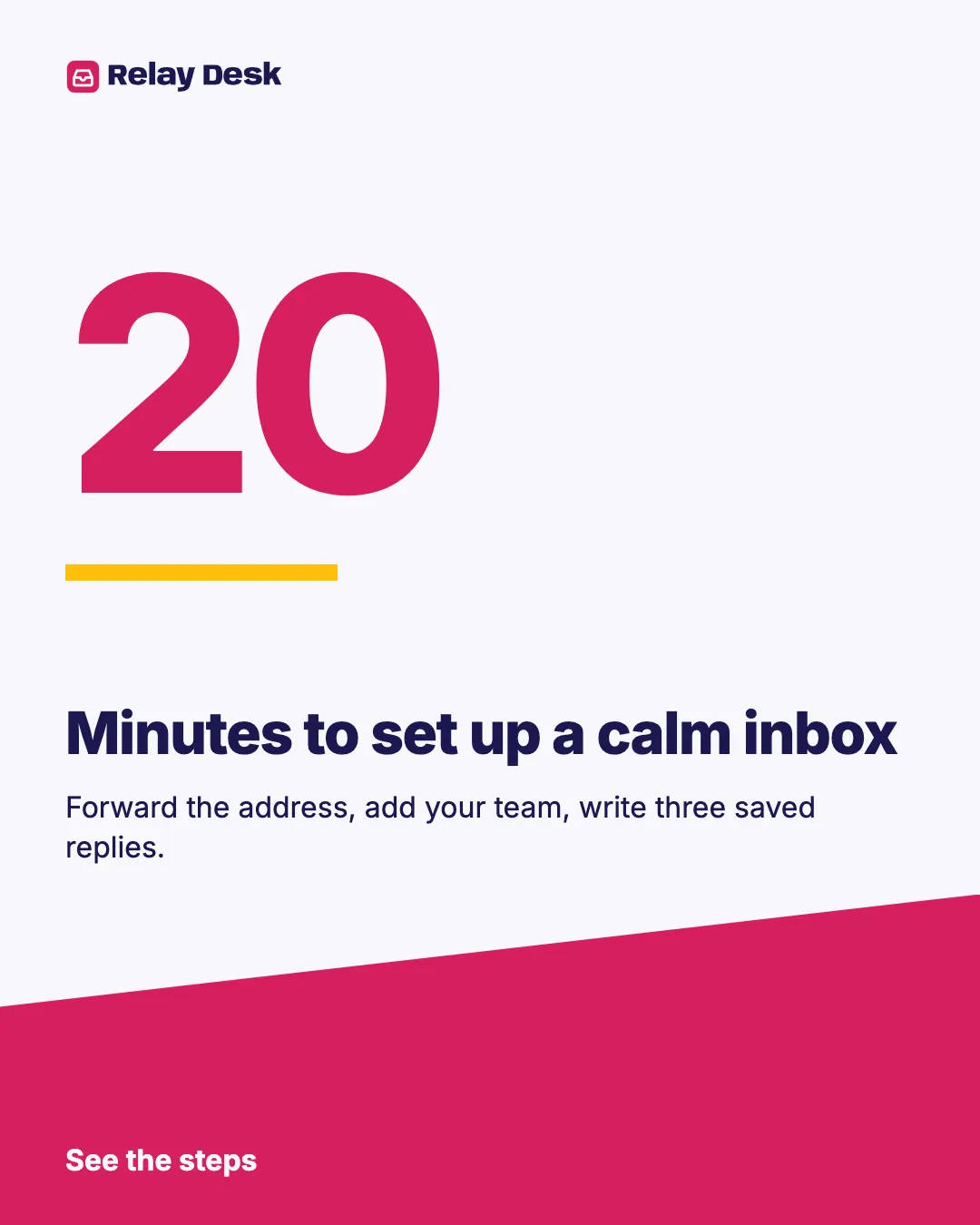
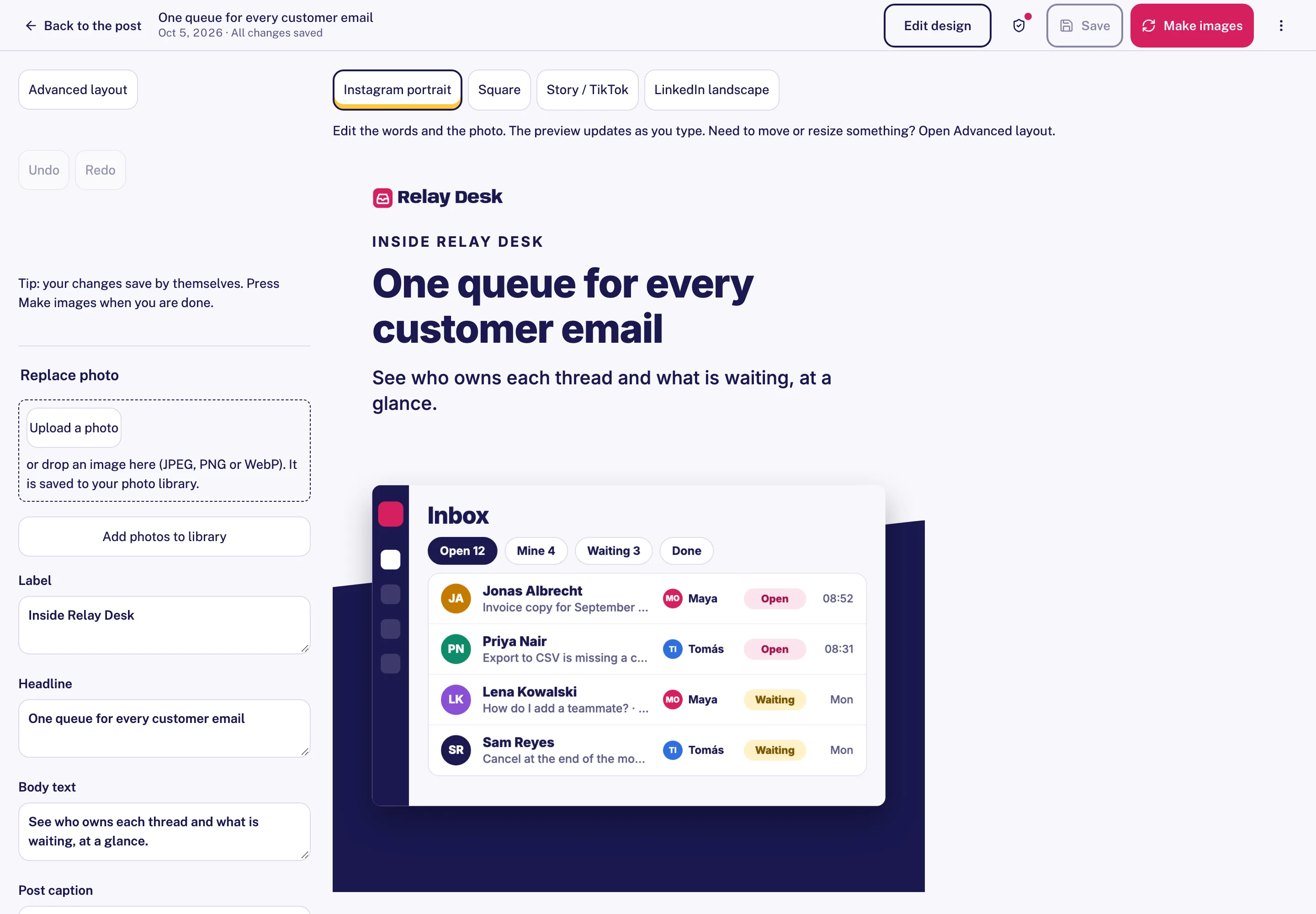
Yes. Turn the built-in post types on or off, or save any post as your own template in the editor. AI can also design templates for you. Your logo, colours and font stay locked.
Can I answer comments and messages in Feedloom?
Yes. The inbox shows the comments and messages from your connected accounts, so you can read and answer them without opening each app.
Who owns the posts?
You do. Our Terms (15.2) give you the posts and images we make for you. We do not use your content to train AI models (4.3).
Which networks does it post to?
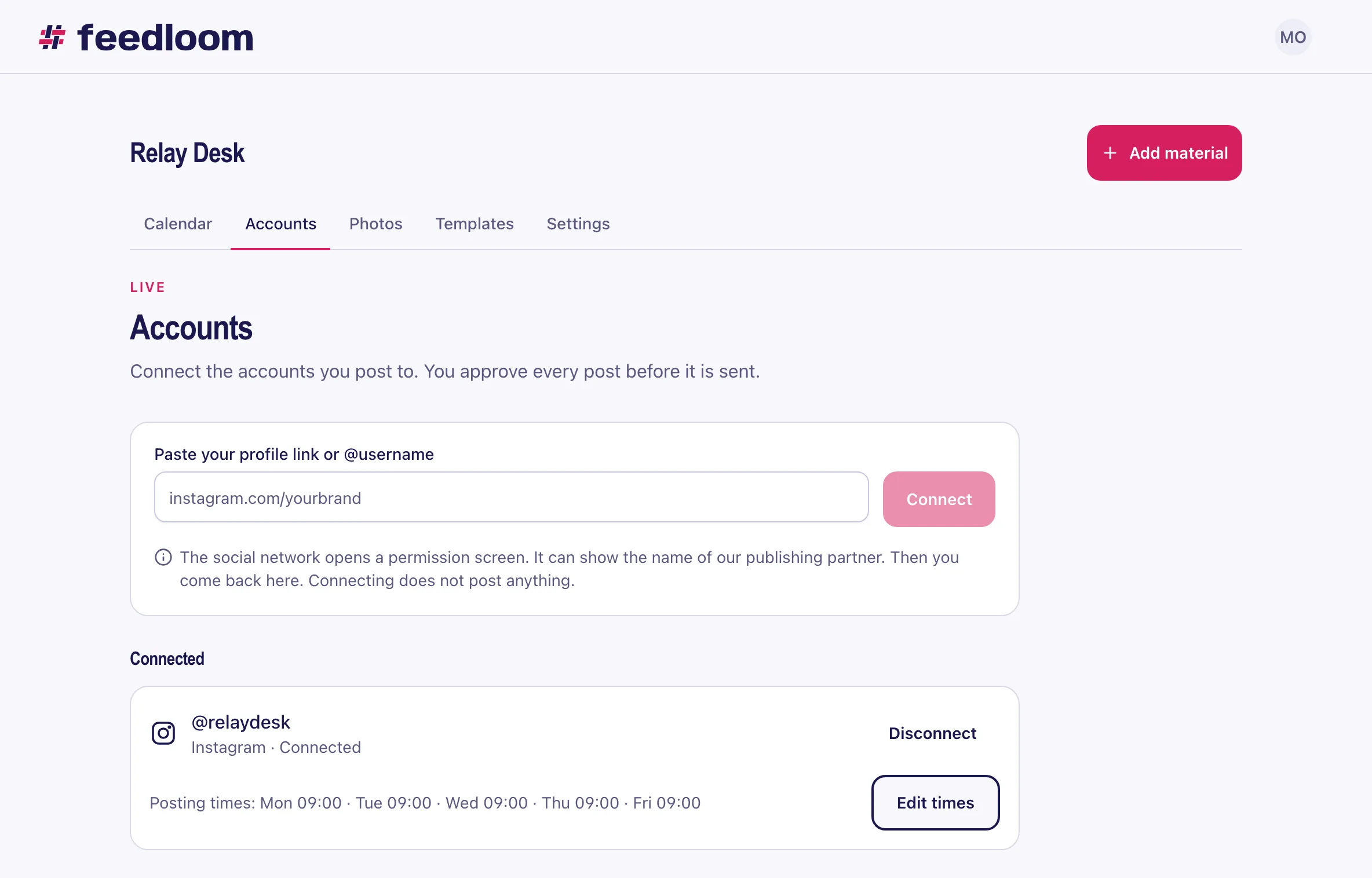
Instagram, Facebook, TikTok, LinkedIn, X and Threads, through the accounts you connect. Scheduling needs a paid plan or the free Pro trial. On the free plan you can still make posts and download them.
Do I need a card to start?
No. Start with a free account, or with a free trial of Pro, without a card. You add payment details only when you choose a paid plan.
How do I pay, and can I cancel?
You pay on a secure page of Stripe. Feedloom never sees your card number. Cancel any time in Billing. Access continues until the end of the period you paid for.
Can I get a refund?
Yes, for your first payment. Ask within 14 days, as long as fewer than 10 images were downloaded since that payment. Mandatory consumer rights still apply. After that, renewals are not refunded.


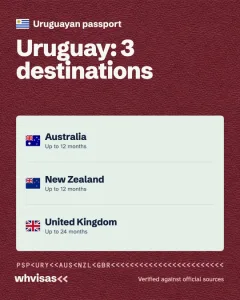
 @whvisas
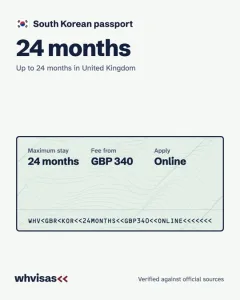

 @tosgenerator