

Instagram post templates for SaaS
Explain one product habit at a time with portrait posts from Relay Desk, a fictional shared inbox for small software teams.
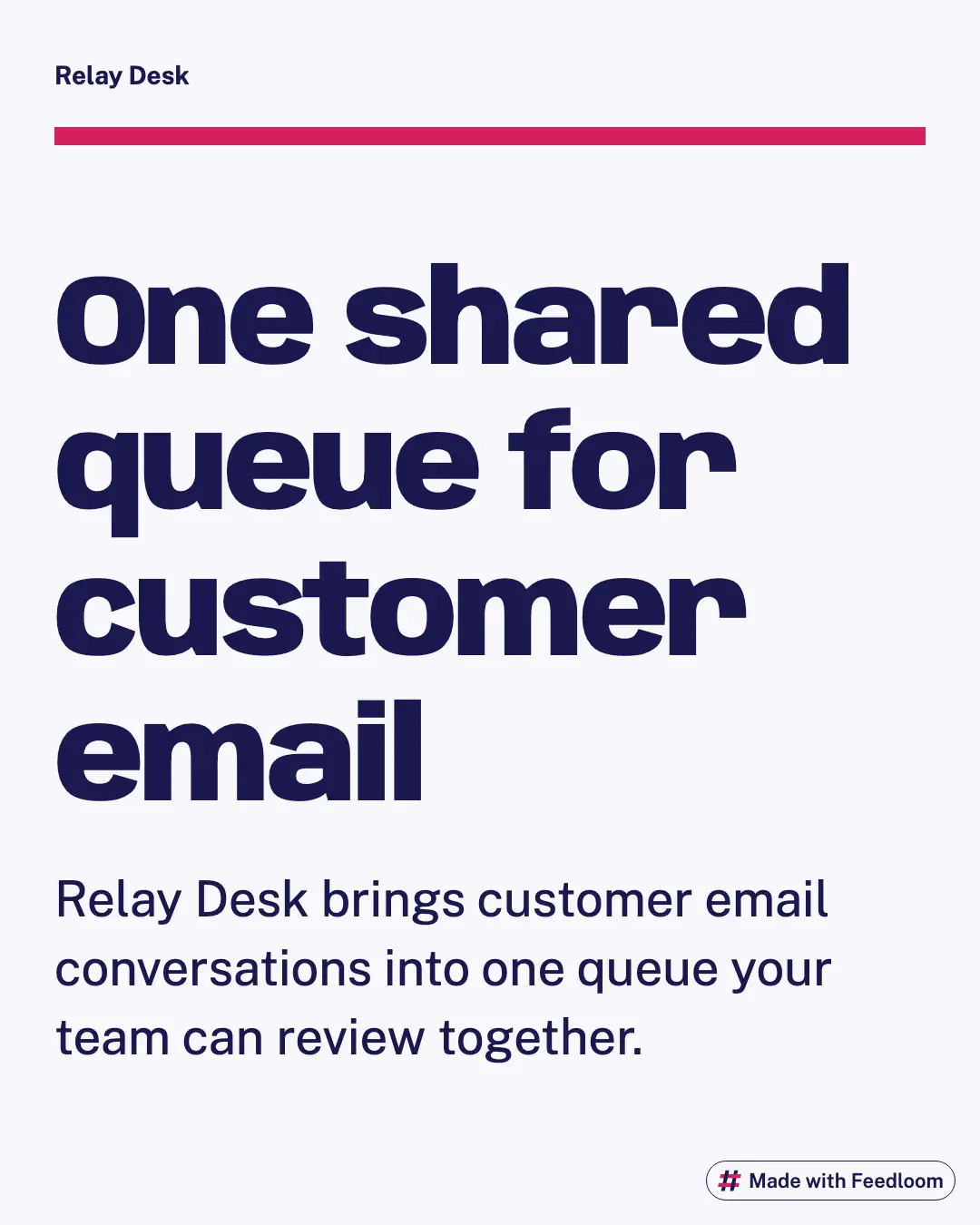
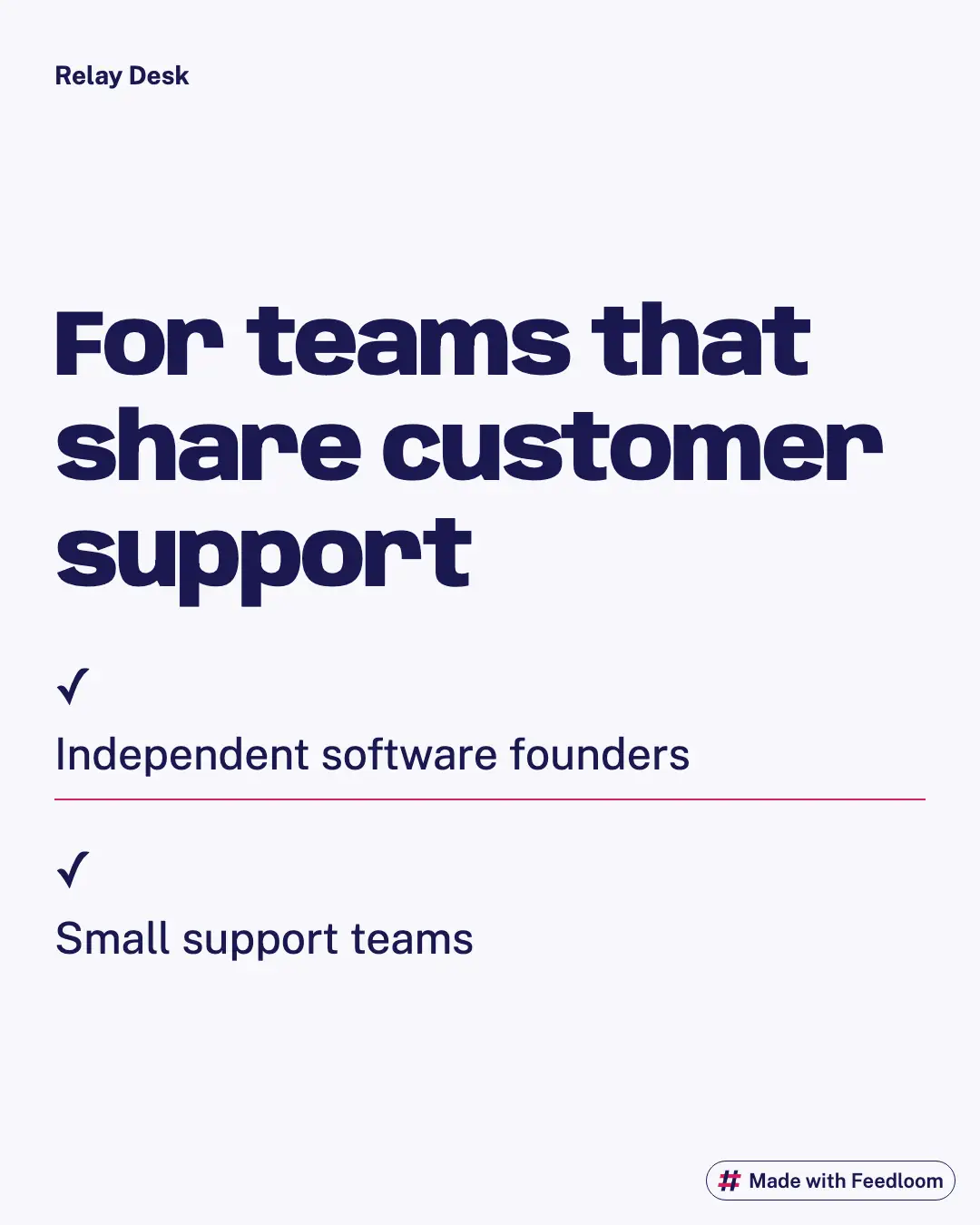
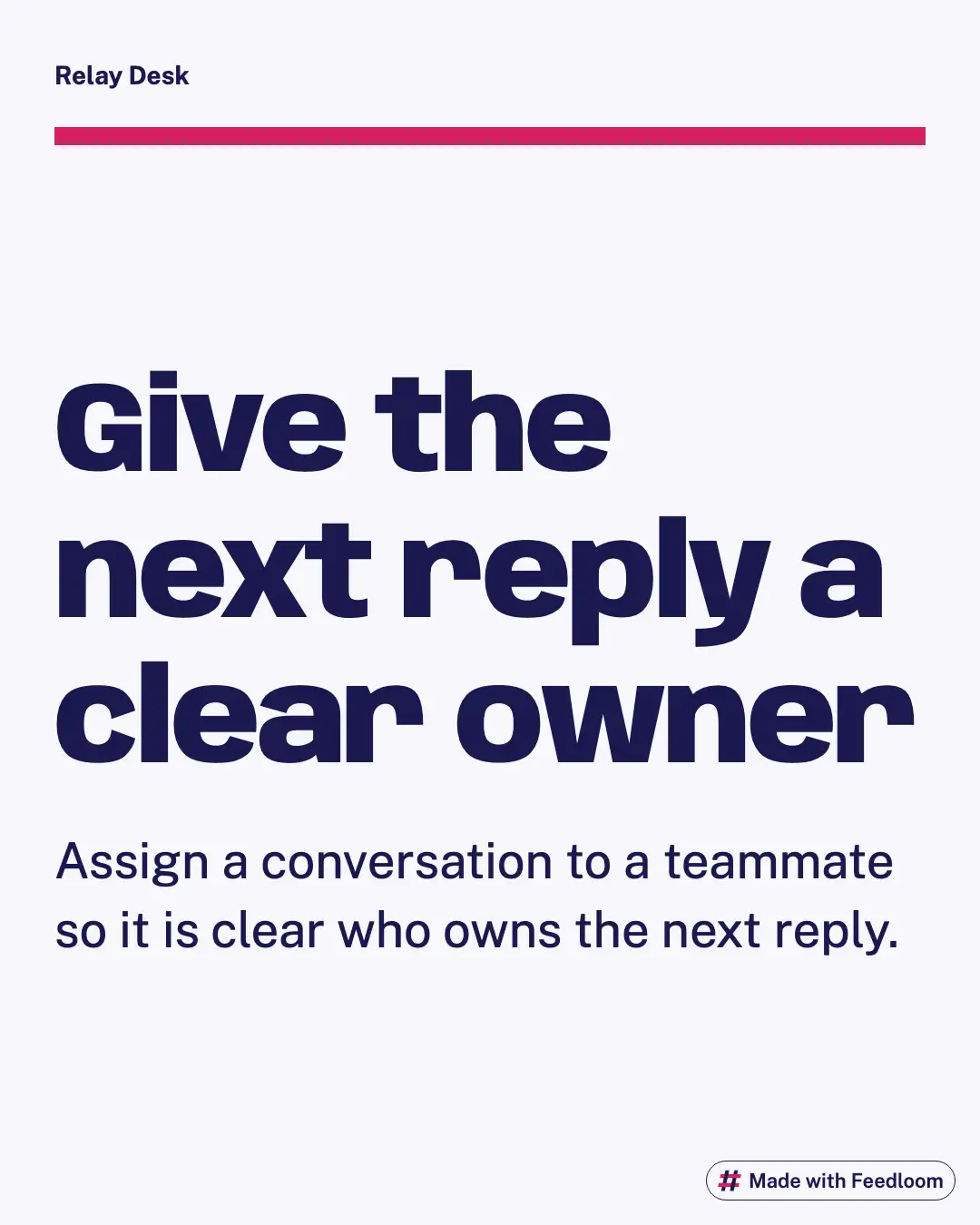
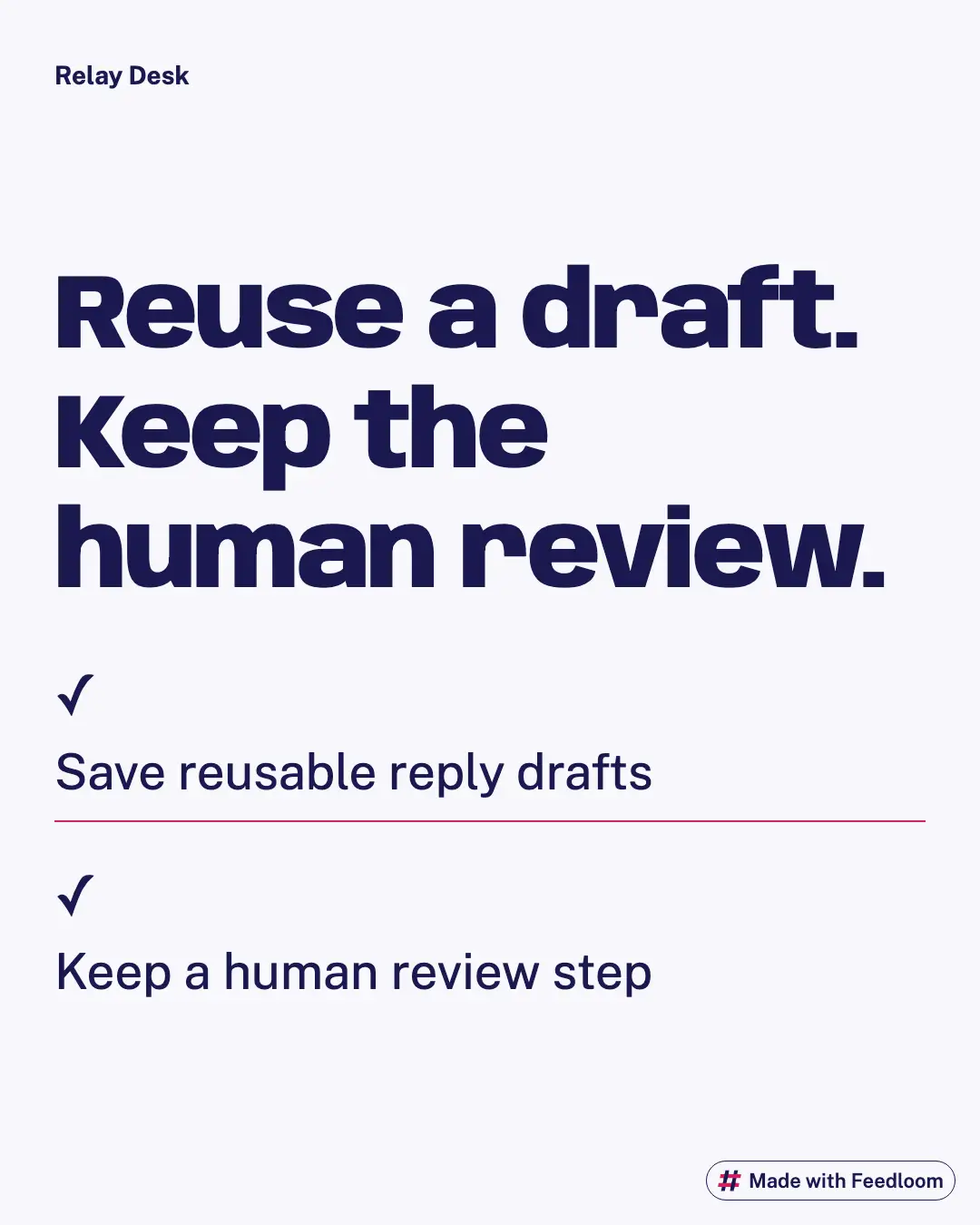
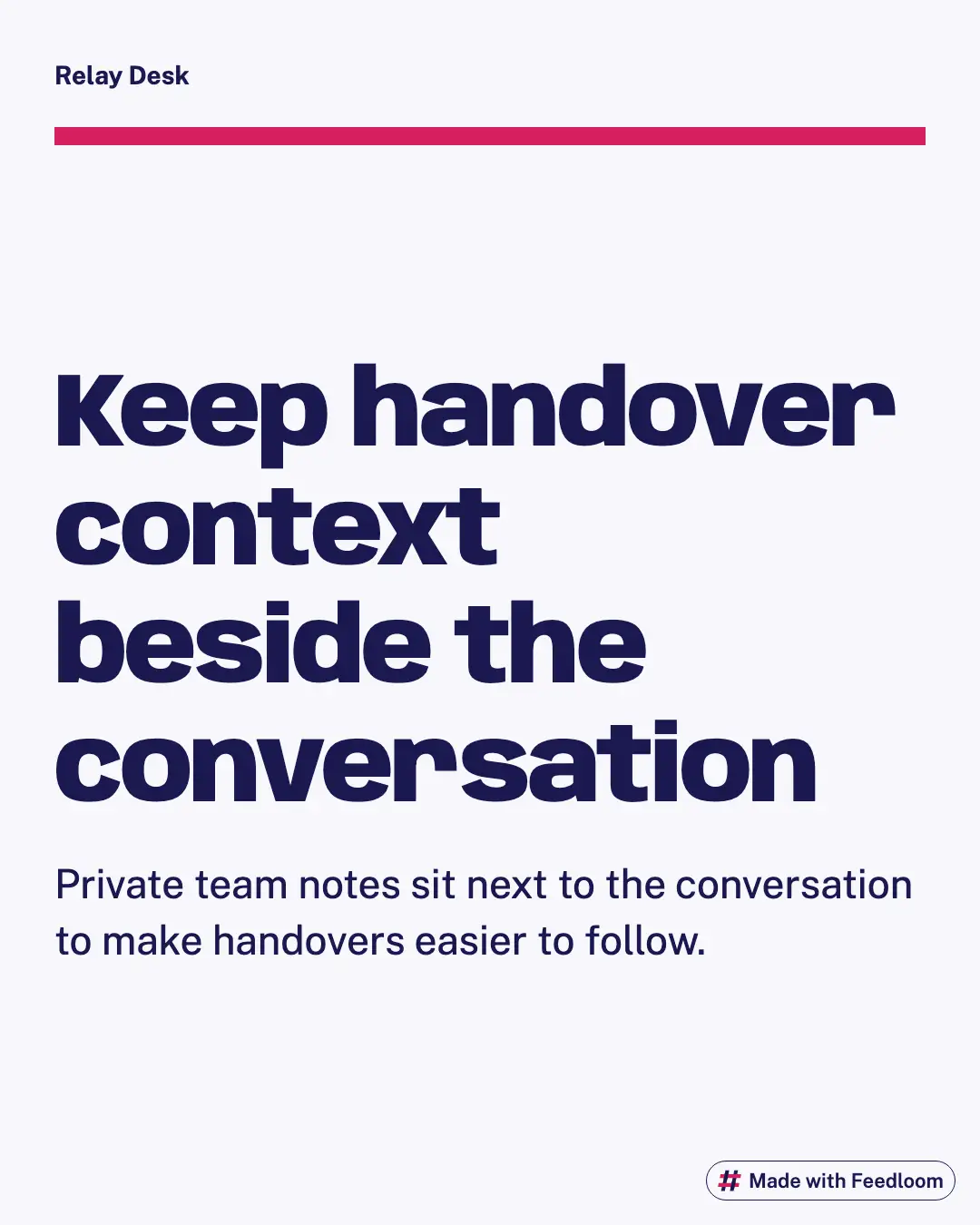
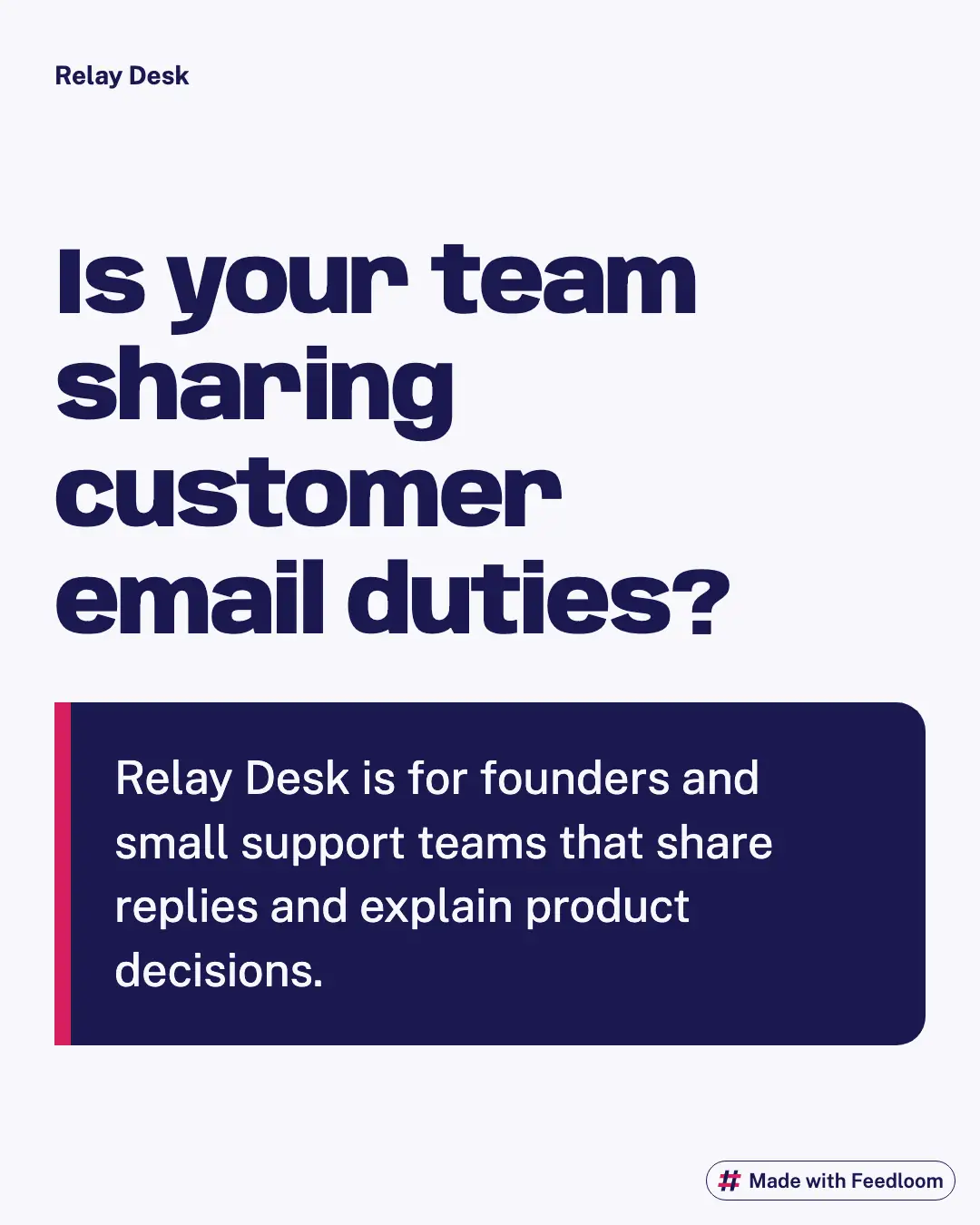
Fictional sample brand: Relay Desk. Real Feedloom renders from the notes below; not customer results.
What we gave Feedloom
Relay Desk brings customer email into a shared queue. Its audience is independent software founders and small support teams. Teammates can assign conversations, save reply drafts and keep private notes beside a message. This invented business has no customer results, integrations or published prices. Those boundaries are part of the input, so a sample must not turn them into promises.
Give a feature a visible job
For this Instagram set, start with the moment a founder recognises: two people preparing replies to the same email. Describe the handoff before you name the feature. A portrait card has room for a short situation, a clear action and a quiet brand signature. It does not need a miniature dashboard full of unreadable labels. Use a conversation assignment as the subject of one post, reusable replies as another and private notes as a third. Keep the claim close to the supplied notes. If you want to show time saved, first collect evidence from your own product; this fictional example cannot supply it. For captions, try a brief opening question followed by the practical explanation. That is an editorial starting point, not an Instagram character limit or a promise about reach.
Build a readable portrait
These examples use the engine’s Instagram portrait canvas. Keep the headline away from the outside edges and preview the exported file at phone size. The margin is our layout recommendation, not a universal platform safe zone. Put a single instruction on the image and use the caption for the exception. If a saved reply needs a personal greeting, say so beneath the post instead of squeezing a second lesson into the artwork. A product screenshot should earn its space: show it only when the interface itself explains the action better than words.
Eight angles to adapt
- Who owns the next reply? Show the assignment moment before a feature list.
- Turn a repeated setup question into a draft that a person still reviews.
- Explain what belongs in a private note and what belongs in the customer reply.
- Ask a founder which handover gets forgotten when the team is busy.
- Show how a shared queue differs from forwarding the same email twice.
- Write a short checklist for taking over an unfinished conversation.
- Introduce a product decision without pretending it is a customer testimonial.
- Invite readers to describe the support question they answer most often.
A four-week example
- Week one: introduce the shared queue, then explain conversation ownership.
- Week two: demonstrate reply drafts and the human review before sending.
- Week three: cover private notes and a practical handover checklist.
- Week four: answer one setup question and invite a conversation about support.
Render sizes and sources
Source renders: 1080 × 1350 pixels (4:5). The gallery uses smaller WebP previews of the same composition.
Source and input notesChecked 2026-10-04
Questions about these examples
Can I use a made-up customer quote?
Avoid it. Relay Desk has no customers. Replace the quote with a clearly labelled product principle, or use a real quotation only after you have permission and can show where it came from.
Do I need a screenshot on every card?
No. A short handover instruction can stand on its own. Use your own screenshot when it shows a particular control, and remove account details before you publish the image.
How should I adapt the caption?
Start with the support problem in your own words. Explain the action shown on the card and add the relevant limitation. Choose one next step rather than attaching several unrelated requests.
Is this a complete publishing calendar?
It is an example sequence for planning. Review dates, product availability and every claim against your own release schedule. The sample does not establish a best posting frequency or guarantee audience growth.
Make these for your site
Create a free account. Feedloom reads your site and designs your first posts.
14 days of Pro free, starting when you connect your first account. No card.