

LinkedIn post templates for SaaS
Turn product decisions into useful professional discussions with landscape examples from the fictional support product Relay Desk.
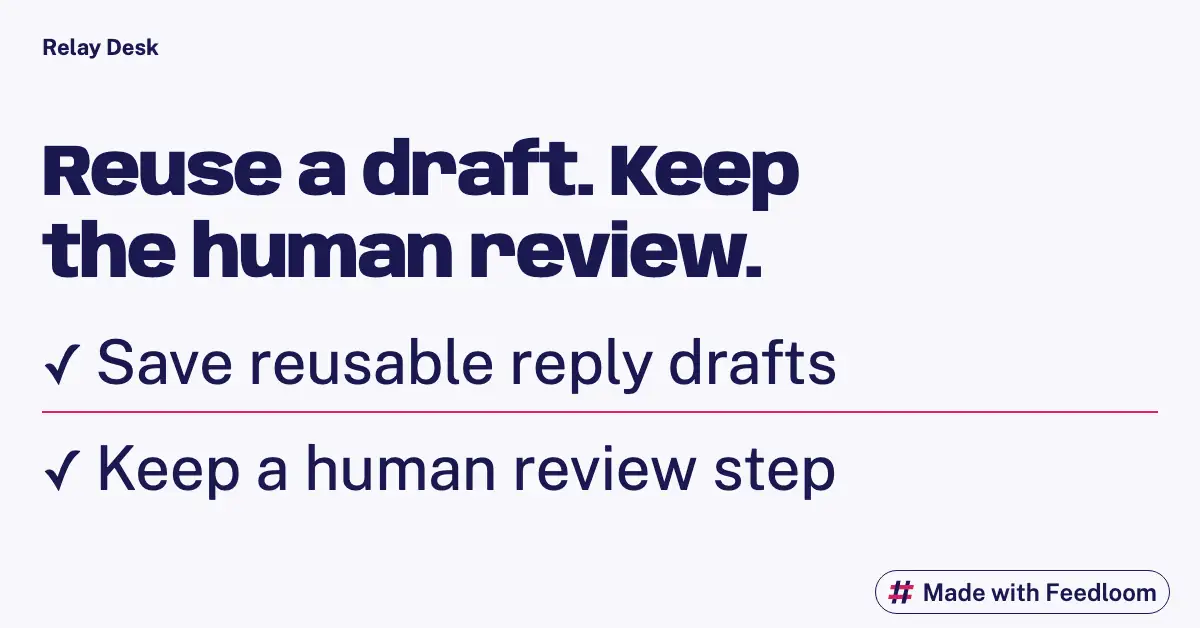
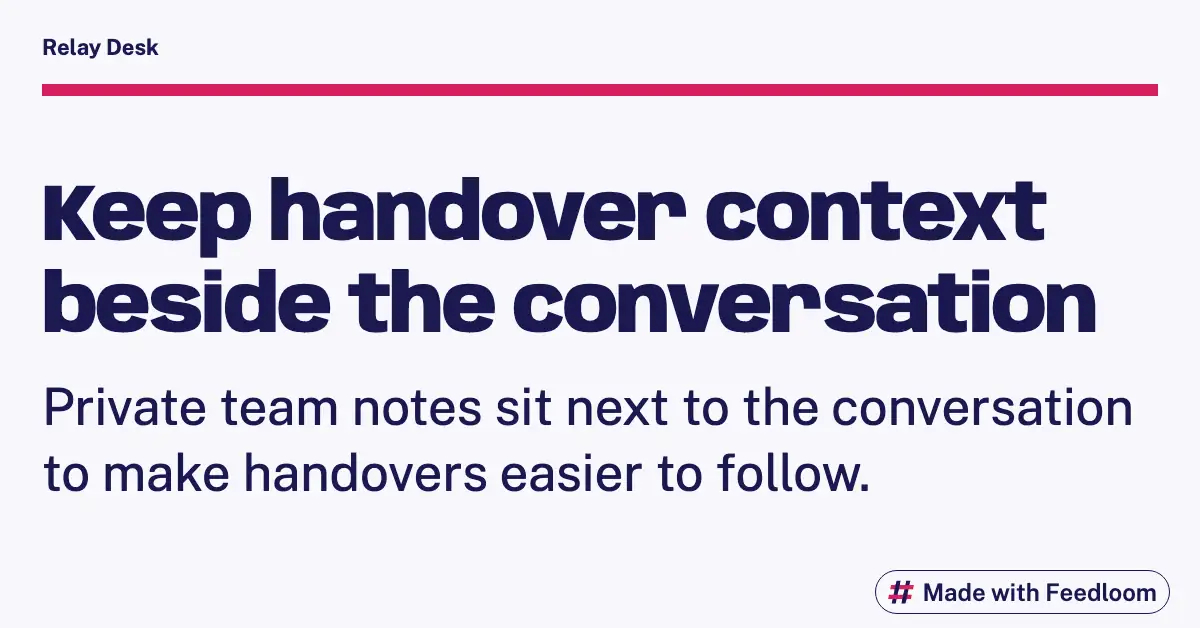
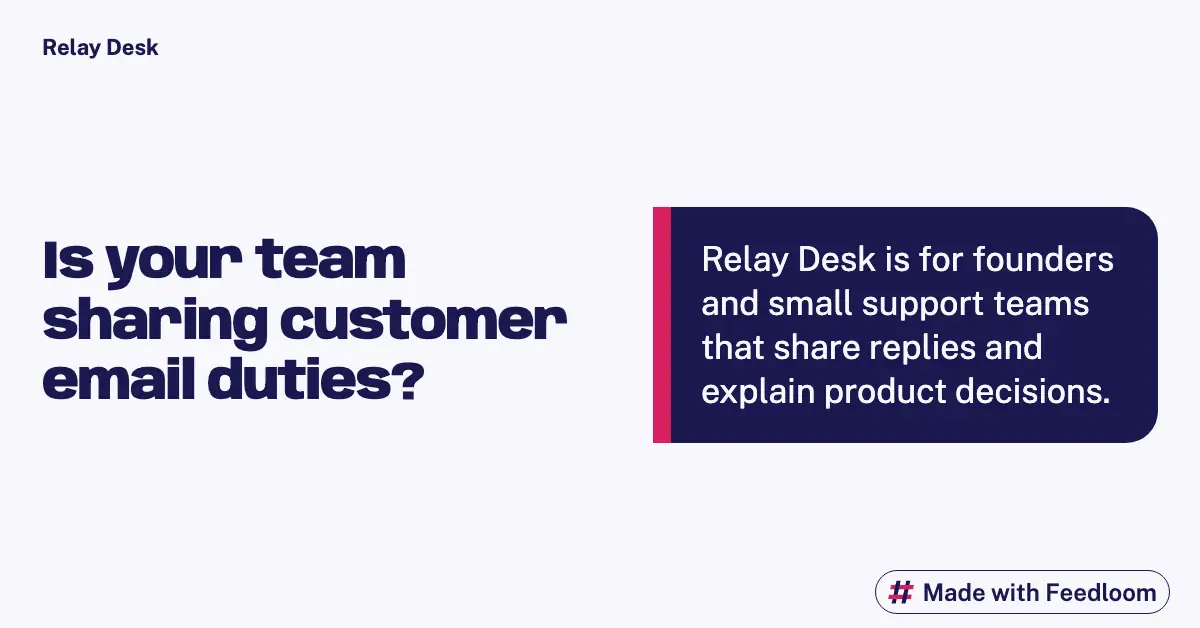
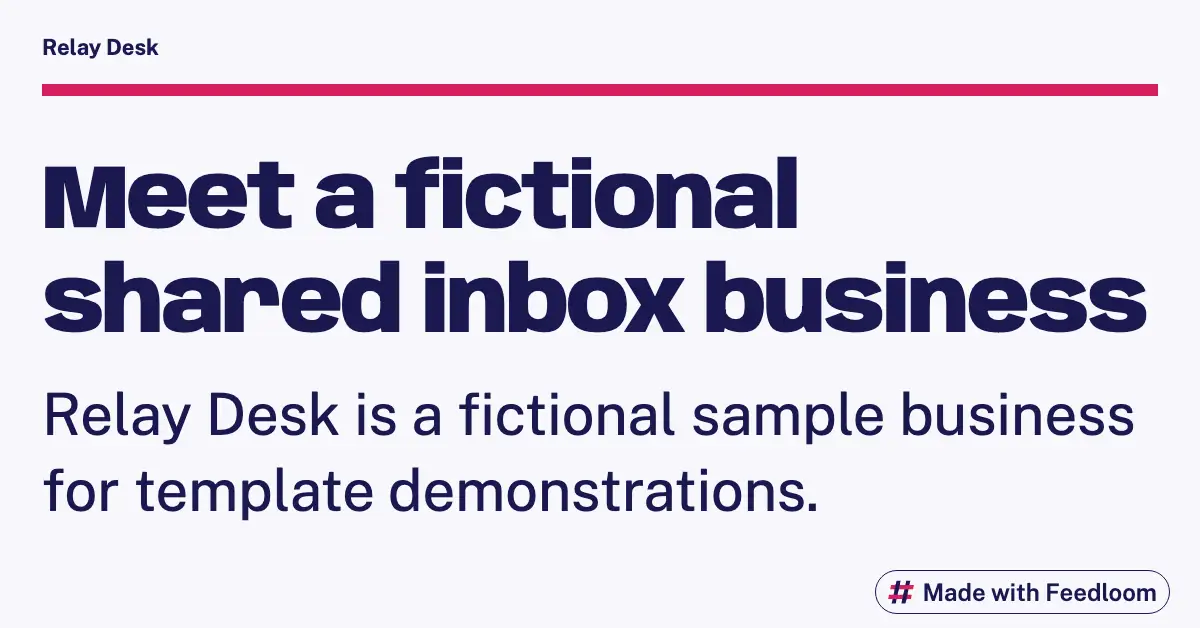
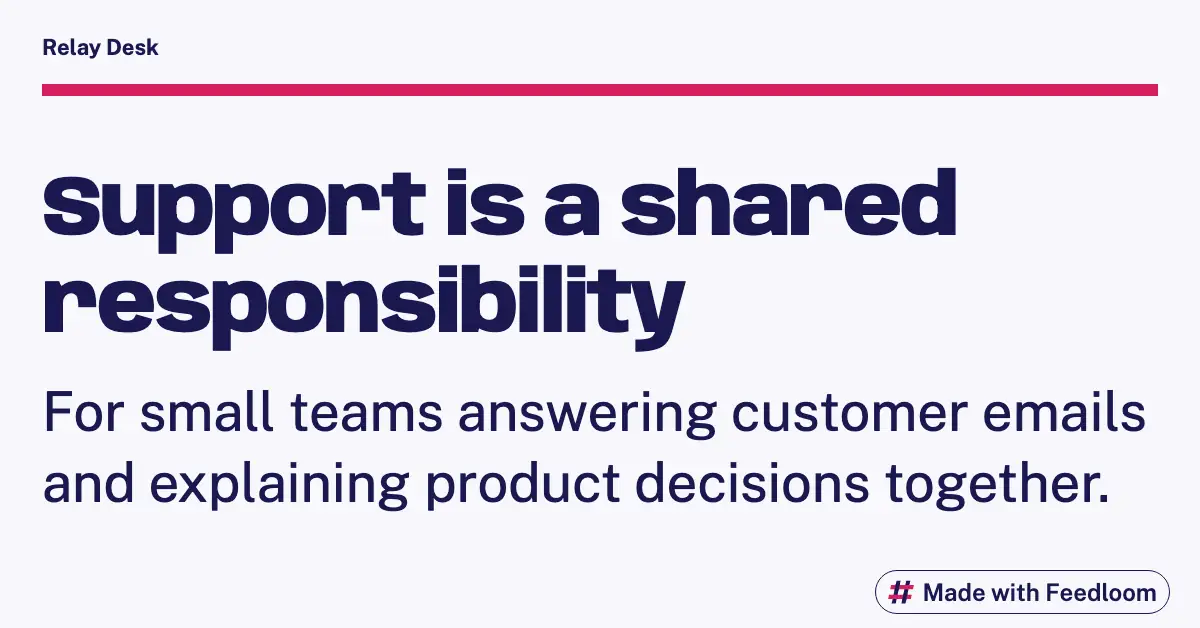
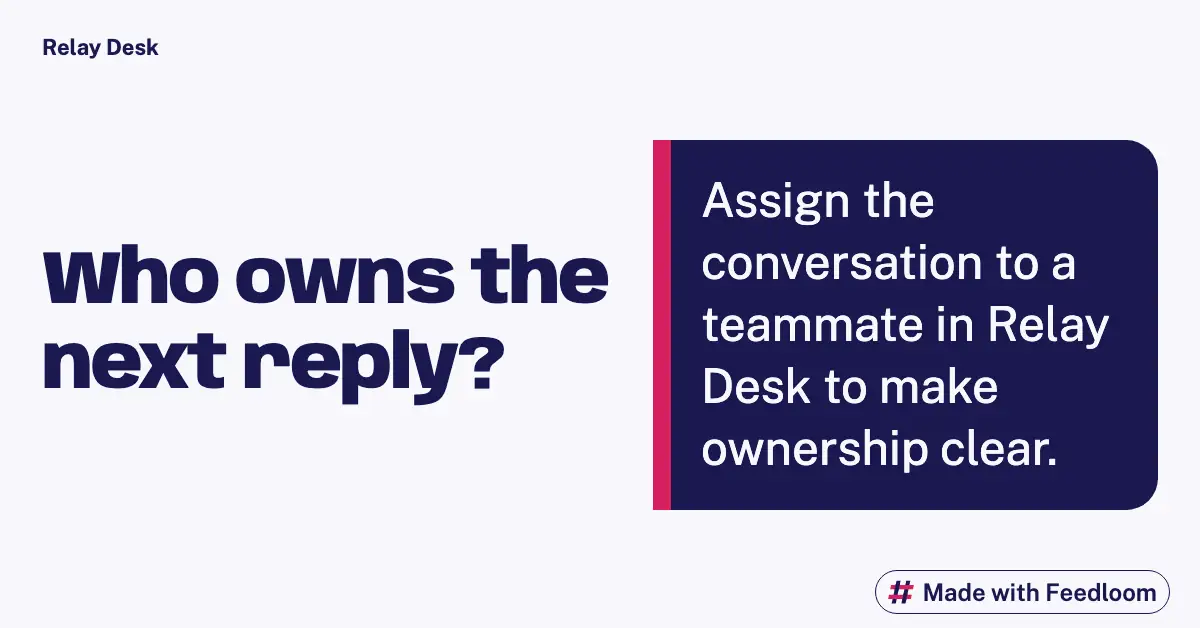
Fictional sample brand: Relay Desk. Real Feedloom renders from the notes below; not customer results.
What we gave Feedloom
The sample brief describes a shared inbox for independent software teams. It offers assigned conversations, reusable reply drafts and private internal notes. On this page we use those capabilities to discuss team responsibility rather than repeat the Instagram introduction. There are no measured productivity gains or customer stories behind this invented company. The examples should make that absence clear, not fill it with impressive numbers.
Write for the person making a workflow decision
A SaaS post on LinkedIn can open a discussion about how work gets handed over. For Relay Desk, the useful question is not whether email is broken; it is how a small team decides who owes the customer a reply. Put that decision in the visual and leave room in the accompanying text for tradeoffs. Assignment can clarify ownership, but someone still needs to review the queue. A reusable draft can make an answer easier to prepare, but the author still needs to check the customer’s situation. Private notes can support continuity, but they need clear writing. These are suggested discussion angles for the sample, not measured outcomes. Use plain language that a founder and a support lead can both understand without a glossary.
Use the wide canvas deliberately
Our LinkedIn examples are landscape renders with a short heading and supporting detail. The source dimensions are listed below; the smaller WebP preview preserves the composition. Keep the artwork focused on one working principle instead of pasting an entire article into it. A caption can provide the scenario, the decision and an honest limitation. If you compare processes, explain the conditions under which each one is useful. Do not turn a preference for shared ownership into a claim that every team needs your product. Before export, review the smallest text on a phone and check that the logo does not compete with the lesson.
Eight angles to adapt
- Describe a handover where a named owner matters more than another notification.
- Explain why a reply draft is a starting point, not an automatic answer.
- Ask how a small team records context when a colleague goes offline.
- Share a decision checklist for moving from personal inboxes to a common queue.
- Discuss when a private note adds useful context and when it adds clutter.
- Describe what a founder should review before delegating support for the afternoon.
- Show an example of a clear next action without exposing a real customer message.
- Invite support leads to explain one handoff rule they would keep simple.
A four-week example
- Week one: frame the ownership problem and ask readers about their current process.
- Week two: explain the tradeoffs of saved drafts and shared queue review.
- Week three: explore internal notes through a handover scenario and a checklist.
- Week four: publish a considered product principle and invite professional feedback.
Render sizes and sources
Source renders: 1200 × 628 pixels (landscape). This is the Feedloom preset used here, not a universal LinkedIn placement requirement.
Source and input notesChecked 2026-10-04
Questions about these examples
How is this different from the Instagram page?
This set uses separate landscape renders and discusses operational decisions. The Instagram page introduces everyday product actions. Adapting the angle matters more than resizing the same headline for a second network.
Can I call these best practices?
Present them as suggestions unless you have evidence for a broader claim. Different teams have different support needs. Explain the context in which your suggested process could help and ask readers about exceptions.
Should I compare Relay Desk with a competitor?
This sample has no verified comparison data. For your own product, check current capabilities and link to sources. Include the situations where another tool is a better fit instead of inventing a blanket winner.
Where should the product link go?
Use one relevant next step in the accompanying text. A workflow explanation can link to the matching product page. Do not imply that the placement itself guarantees distribution, clicks or qualified leads.
Make these for your site
Create a free account. Feedloom reads your site and designs your first posts.
14 days of Pro free, starting when you connect your first account. No card.